30

Collaborative Classroom
Today's Hours:
8:30am - 12am | Library Hours

About the Collaborative Classroom
Collaborative Classroom User Guide for Instructors
The Collaborative Classroom is a technology-rich environment designed for active, hands-on learning. It features six round tables that promote student-centered engagement, fostering inclusive and dynamic group collaboration. With a capacity of up to 30 participants, the room supports both small-group and whole-class activities. Equipped with a variety of advanced technology tools, it provides a seamless, innovative experience for both students and instructors.
Classroom Scheduling
For semester-long bookings, please submit the SAIL Classroom Request form. You can access the form in two ways:
- The SAIL Request form can be accessed on BP Logix under "New SAIL Classroom Request"
- The form can also linked from Pennant@Penn under "Curriculum Manager and Room Scheduling" - "Central Pool SAIL Request."
See further instructions for filling out the form.
Please note: Semester-long reservations are for faculty only. Once your request is submitted, the room manager will contact you by email with the status of your booking.
Virtual Meeting Technology
Access the Meeting Owl Pro User Guide
The Collaborative Classroom features a Meeting Owl Pro, an advanced 360-degree camera system that enhances hybrid learning. This intelligent device integrates seamlessly with Zoom, enabling faculty to conduct inclusive classes where remote students can fully participate in discussions and observe classroom interactions alongside their in-person peers.
Key Features:
- 360-degree panoramic view capturing the entire classroom environment
- Automatic speaker tracking that follows active speakers through sound and movement detection
- Integrated audio system with high-quality microphone and speaker capabilities
- Flexible connectivity via USB-A cable, compatible with instructor and student devices
Accordion List
Accordion List
- Configurable furniture (5 tables, 1 instructor station)
- Projector screens (built into each work station)
- Meeting OWL camera and Microphone for Hybird class - User Guide for OWL
- Student Tables:
- 360-degree whiteboard walls surrounding the entire room, also serve as projector surfaces for students table
- Five round, fixed tables, each seating up to six students (the room maximum capacity of 30)
- Rolling chairs
- Four projectors project onto whiteboards and one TV-like display
- 5 Macbook on each student table
- Instructor Station:
- Glass wall for writing
- One projector screen for the instructor station
- A Macbook
- Specialty software offered by collaborative classroom: Comic Life and DaVinci Resolve
For assistance with classroom technology, including the Meeting Owl Pro, displays, or other equipment:
IT Helpdesk
- Location: G102
- Phone: 215-898-4824
- Email: libhelpdesk@pobox.upenn.edu
Additional setup instructions and troubleshooting guides are available on the instructor's desk.
Accordion List
Location and Accessibility
Accessibility
For Wheelchairs
- Sufficient doorway & hallway clearance
- Clearance to approach table
- Table with accessible surface height, knee clearance, and leg clearance
Lighting
- Natural and/or non-fluorescent light
Nearby Bathrooms
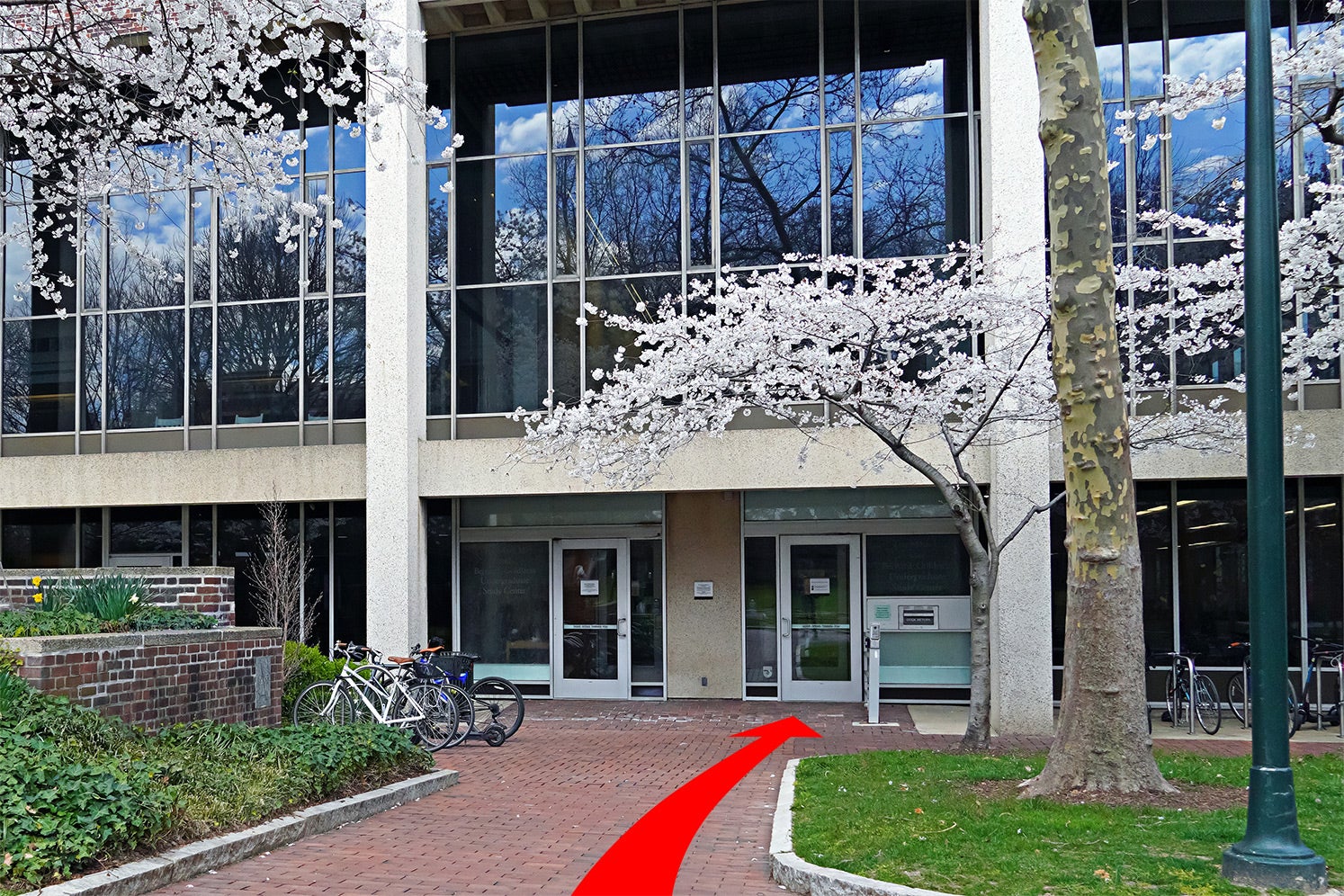
Nearest bathroom is immediately above on the second floor: Take an elevator from Weigle Information Commons. One accessible, gender-neutral bathroom is located at the west end of the library in the Lippincott space. (see floorplan)